1. Overview #
The AI Assistant is a built-in tool that helps you generate, refine, and update survey content, quotas and logic directly within the editor.
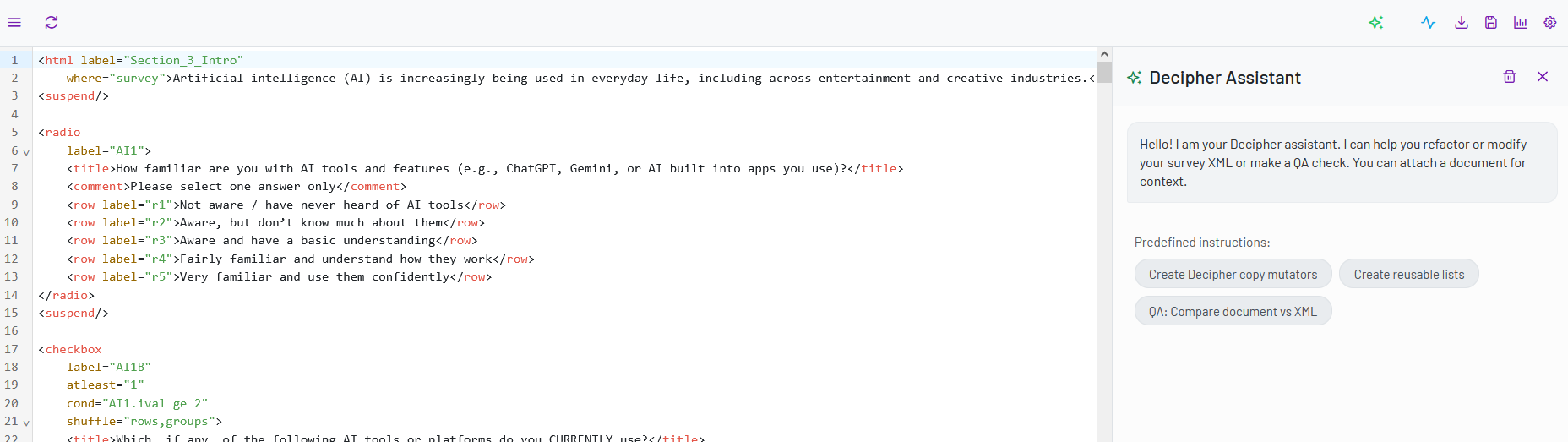
It is available in both the Classic Editor and the Decipher Editor and can be accessed from the Control Area.
You can use the AI Assistant to:
- create new survey questions or sections
- improve wording and clarity
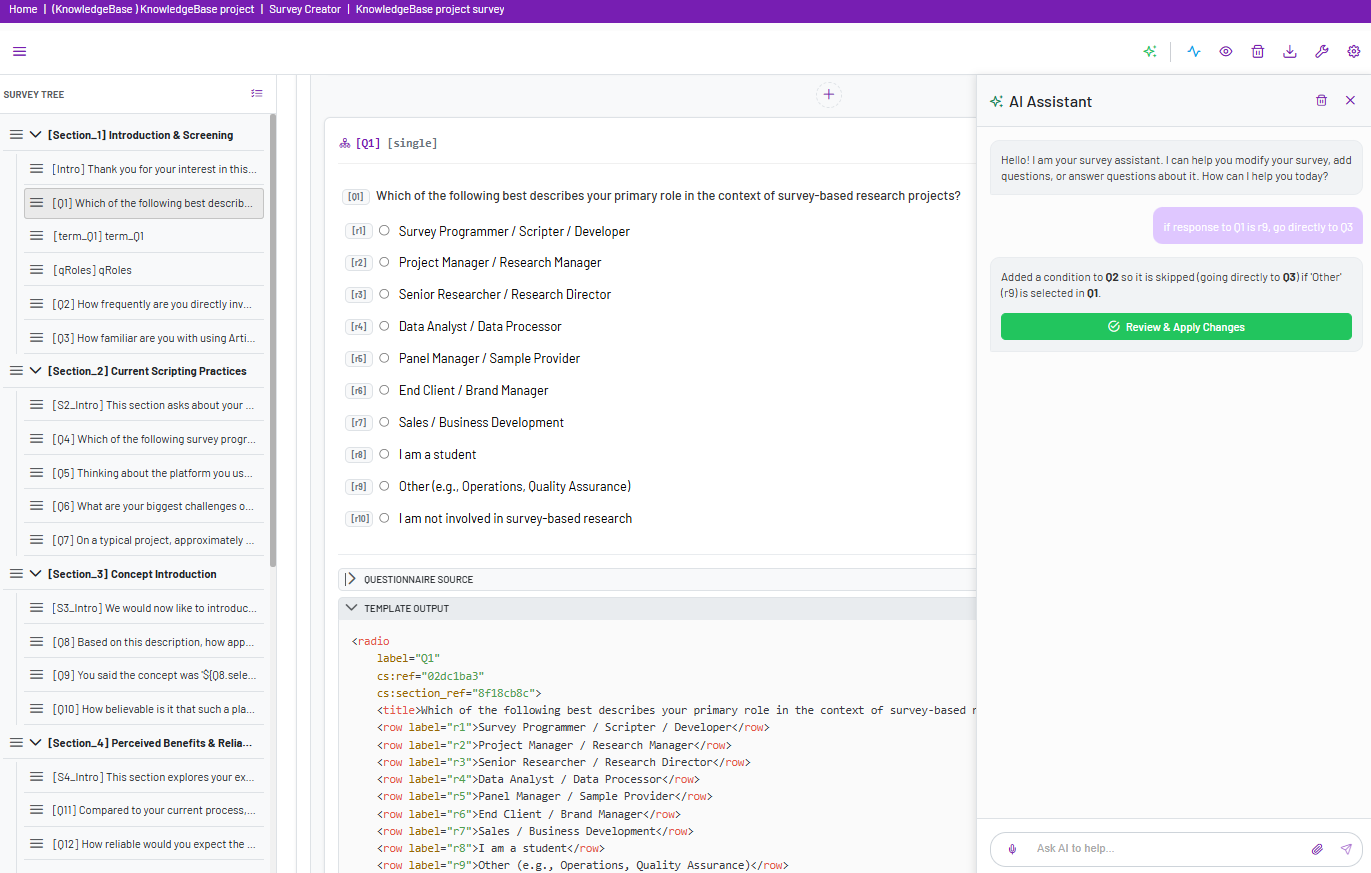
- update survey logic, quotas and structure
- apply bulk changes across multiple elements
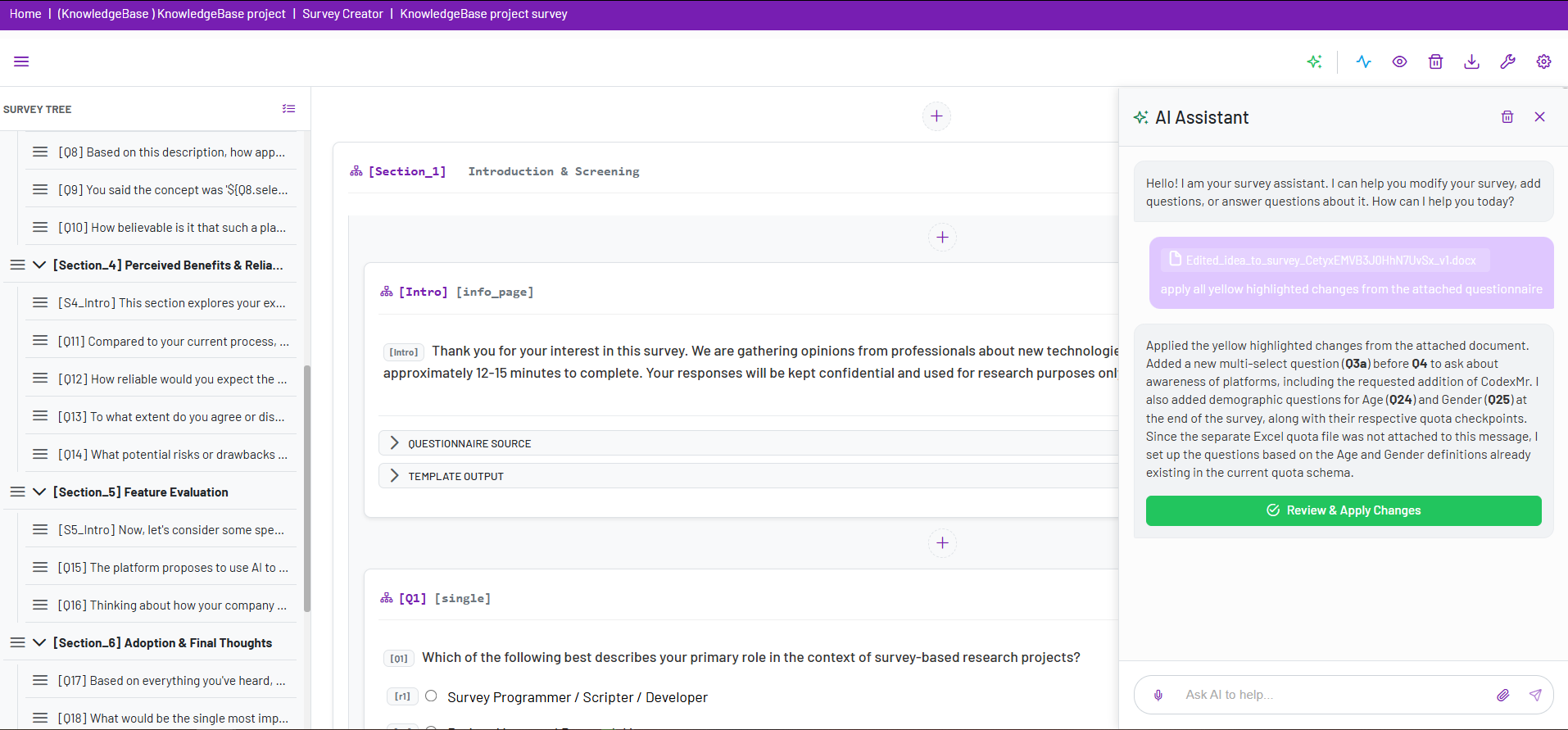
- upload materials (e.g., questionnaires with tracked changes) for automated updates, multiple files can be attached at once
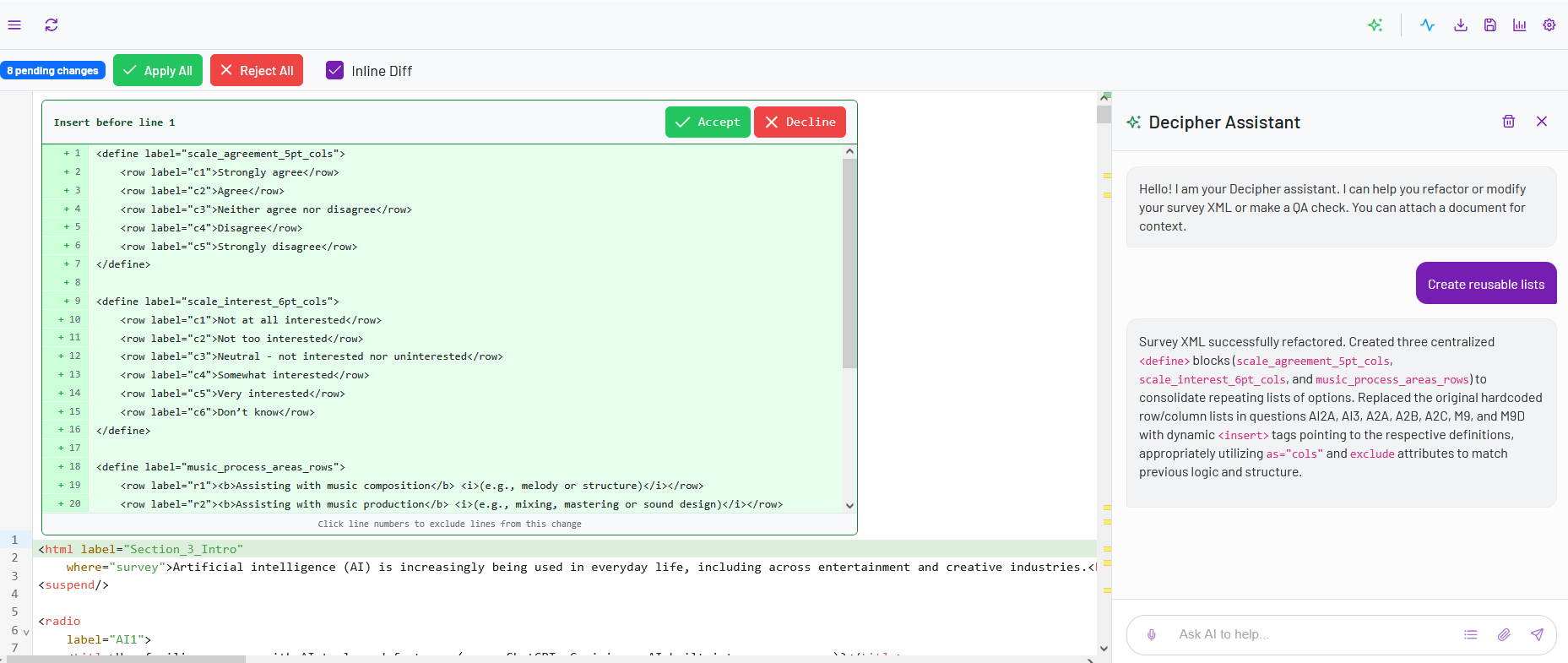
- optimize repeated elements such as answer lists
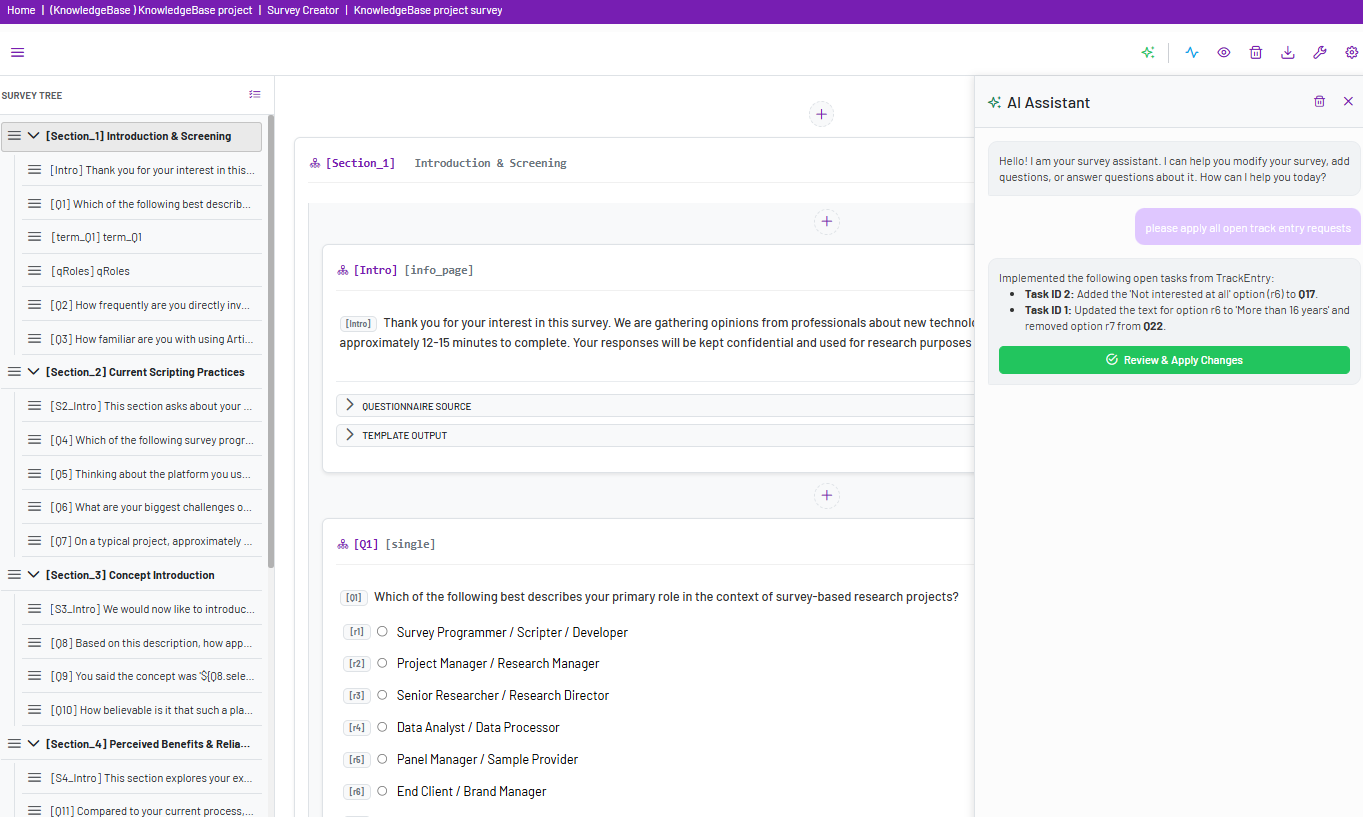
- apply all changes based on open entries in TrackEntry
You interact with the AI Assistant by entering prompts or uploading files. The system will analyze your input and suggest updates that you can review.
2. How to Use the AI Assistant #
- Open your survey in either the Classic or Decipher Editor.
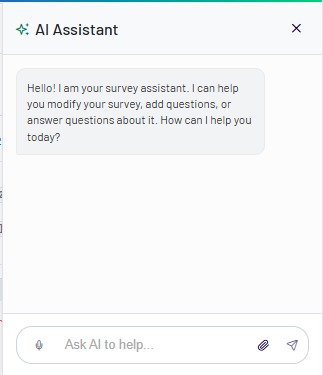
- In the Control Area, click AI Assistant
 .
. - Enter a prompt or upload a file with instructions.
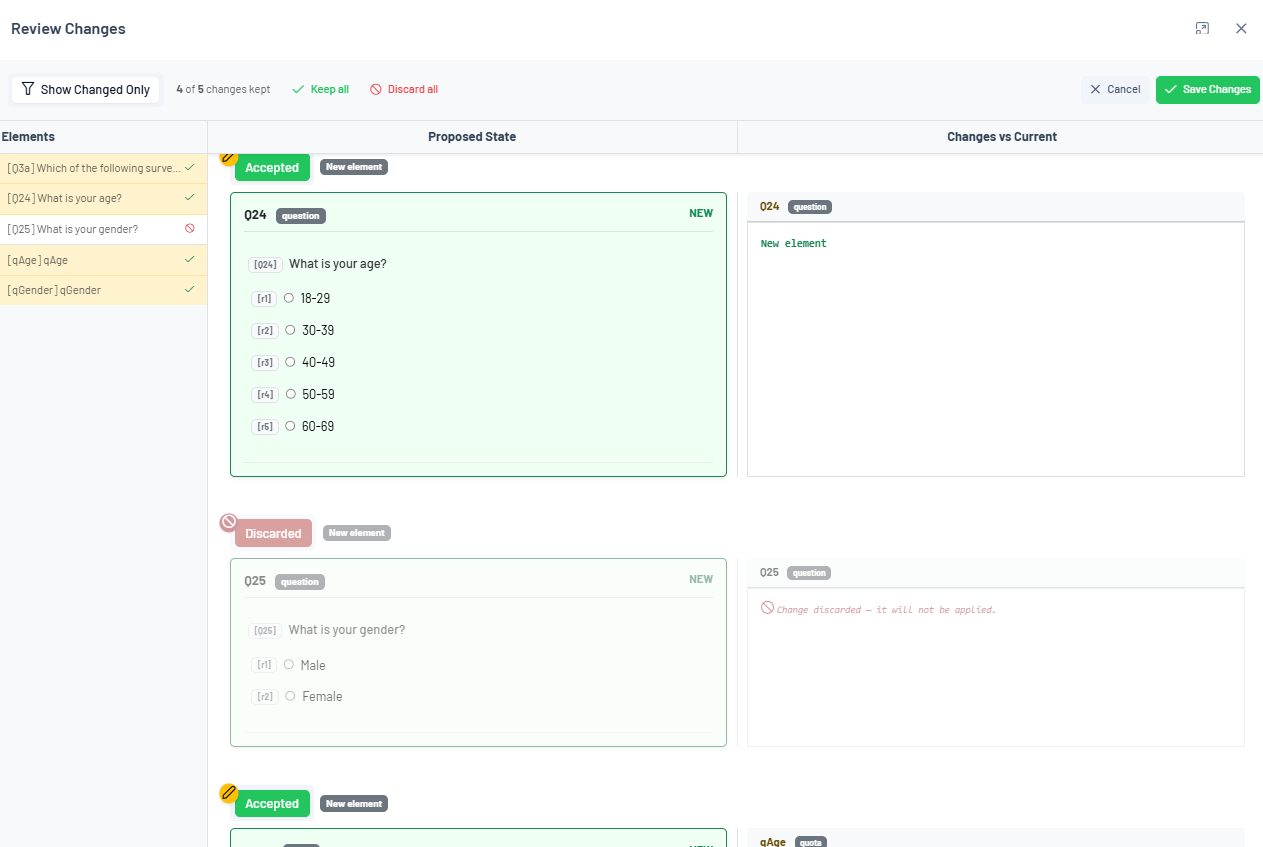
- Review the generated output or suggested changes.
- Apply the updates to your survey.
The AI Assistant does not apply changes automatically — you remain in full control and can review all suggestions before confirming them.
3. Use Cases #
Below are examples of how the AI Assistant can be used when working on surveys.
1. Upload a Questionnaire with Highlighted Changes #
Use this when you have an updated questionnaire or document with revisions.
Example instruction:
“Apply all highlighted changes from the uploaded questionnaire.”
The AI analyzes the uploaded file, detects the changes, and maps them to the corresponding survey elements for review before applying.